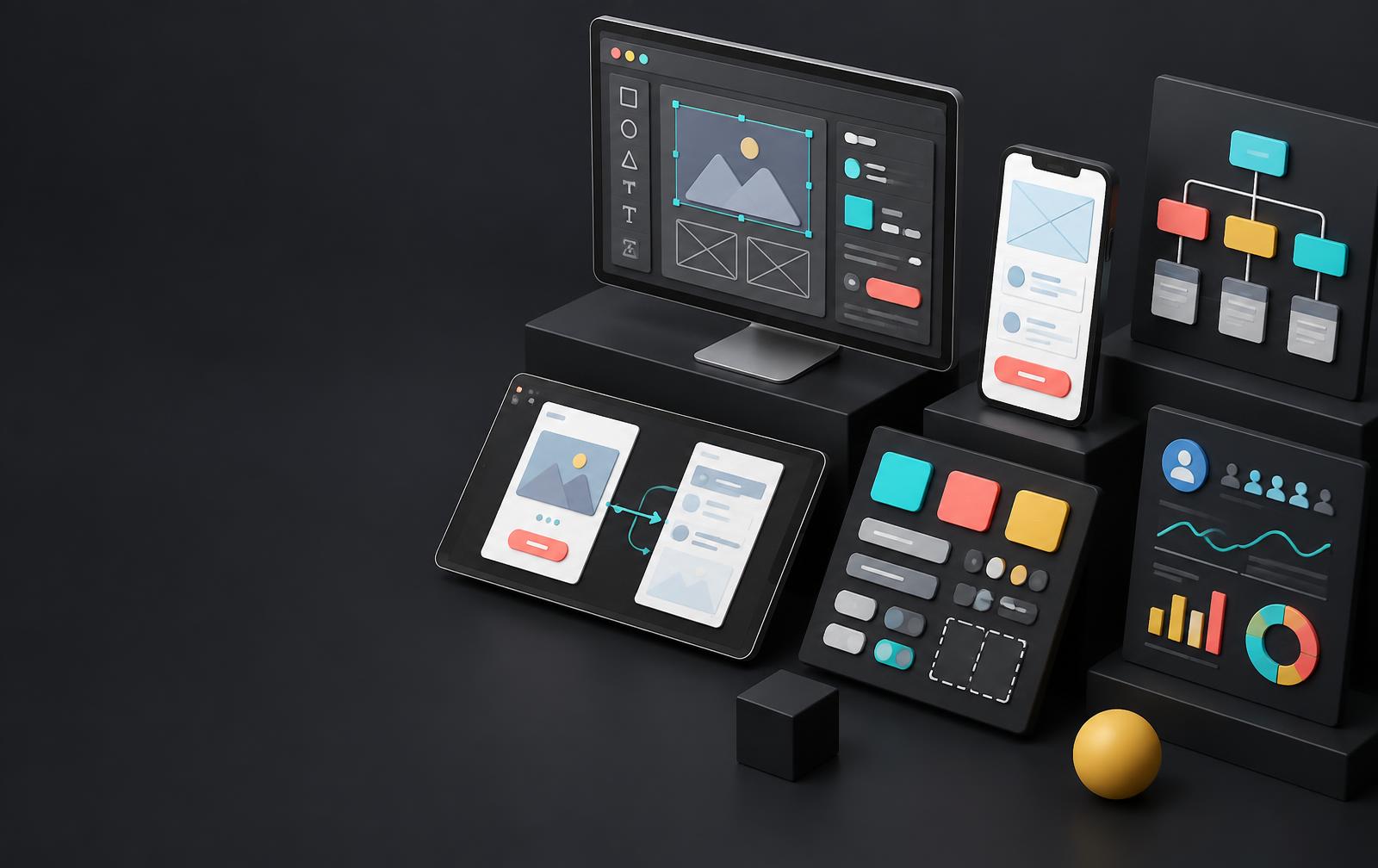
Choosing AI tools for UX design starts with understanding your workflow, not collecting subscriptions. Designers need support for research, information architecture, wireframes, prototypes, and validation. The strongest results come from combining faster exploration with human judgment, clear requirements, accessible patterns, and evidence from the people who will use the product.
UI UX design services can bring these disciplines together when a team needs more than generated screens. This guide compares six tools across distinct jobs, explains what to inspect before adopting them, and offers a practical workflow for moving from a product question to a tested experience.
Research basis: This is a source-based editorial comparison, not a hands-on benchmark or a paid ranking. Official product pages were reviewed on October 6, 2026. Features, beta access, credits, and plan restrictions can change. Illustrations are conceptual, not screenshots of the products.
Which AI Design Tool Fits Your Task?
The best AI design tools do not all produce the same deliverable. Compare the workflow stage first. A research platform cannot replace a layout editor, and a website builder cannot tell you whether customers understand a pricing decision.
| Tool | Best-fit task | Typical output |
|---|---|---|
| Figma AI | Collaborative product design | Editable designs and code-backed prototypes |
| Uizard | Early concepts and mockups | Editable multi-screen prototypes |
| UX Pilot | AI-generated UI and flows | Wireframes and high-fidelity UI concepts |
| Relume | Website information architecture | Sitemaps, wireframes, and component-based websites |
| Framer | Responsive website delivery | Editable website pages and published experiences |
| Maze | User research and validation | Studies, response themes, and research reports |
Use the shortlist as a starting point, not a universal order of quality. Select one realistic task, assess the result, and calculate how much review and rework it needs before it becomes useful to your team.
1. Figma AI for Collaborative UI Design and Prototyping
- Best fit
- Product teams already collaborating in Figma and maintaining a shared design system.
- Check first
- AI credits, beta availability, and organization-level data controls need review before rollout.
Figma AI is worth considering when the design file is already the center of your product workflow. Its official AI overview describes design exploration, image editing, visual search, text tools, and productivity tasks such as renaming layers and adding interactions. These capabilities address repetitive work around the canvas instead of treating every project as a completely new visual concept.
Figma Make extends that workflow by turning prompts or existing designs into code-backed prototypes and web apps. The distinction matters: an editable design lets you inspect hierarchy and components, while a working prototype helps you explore behavior. Neither output automatically proves that the underlying user journey is correct. Review the interaction model before presenting a generated experience as an approved product direction.
For example, a team redesigning account settings can explore two layouts, replace placeholder copy with realistic labels, and connect a critical flow for review. Keep existing component rules and accessibility requirements explicit. Check permission states, unsaved changes, and keyboard navigation rather than evaluating only the default screen. Figma's credit allocation and AI training controls also deserve an administrator's attention before confidential work enters the workflow.
Official Figma AI product details2. Uizard Autodesigner for AI Wireframes and Rapid Mockups
- Best fit
- Founders, product managers, and mixed teams exploring an initial product concept.
- Check first
- An attractive generated mockup still needs interaction, accessibility, and implementation review.
Uizard Autodesigner 2.0 combines conversational prompts with an editable, drag-and-drop design environment. Its official product page lists multi-screen prototype generation, screen generation, component modification, themes, and a brand kit. Uizard also offers screenshot and wireframe scanning tools, making it useful when your starting material is a sketch or an existing interface rather than a formal design document.
This makes Uizard a practical AI wireframing tool for early discovery workshops. A product manager can describe a booking journey, generate a first version, then discuss the screens with a designer. The real value is having something concrete to challenge: which information is missing, whether the sequence makes sense, and what a first-time visitor would misunderstand. Fast generation should create more opportunities for critique, not fewer.
Use its editable output to explore alternatives before engineering starts. A useful brief includes audience, task, content, device, and required states. Avoid copying a competitor's screenshot without considering ownership and confidentiality. When the concept becomes a delivery project, confirm export requirements and rebuild any weak patterns with your production design system. A prototype communicates an idea; it does not replace a technical specification or usability study.
Official Uizard product details3. UX Pilot for AI UI Generation and Product Flows
- Best fit
- Designers comparing screen directions and developing connected product experiences.
- Check first
- Confirm the current Figma integration, export options, and generation allowances for your plan.
UX Pilot focuses on generating interface concepts from prompts, with wireframing and high-fidelity design capabilities. Its product positioning makes it relevant to designers searching for an AI UI generator rather than a general writing assistant. The important evaluation question is whether the generated screens remain easy to revise and whether they fit the tools your team uses for collaboration and delivery.
Consider a subscription dashboard with onboarding, usage monitoring, and billing. Give the tool the roles, content hierarchy, primary actions, and important restrictions. Then request different structural directions, not simply different colors. A useful comparison might examine a compact summary view against a more detailed workspace. That keeps the discussion focused on information needs instead of visual novelty.
Before adopting UX Pilot, try one representative flow and inspect the output carefully. Look for missing empty states, misleading metrics, inconsistent labels, and assumptions about permissions. Confirm how designs move into Figma or your chosen environment and how much cleanup they need. AI-generated UI can shorten exploration, but the designer still owns the logic of the experience. Treat each draft as a hypothesis to refine against research, brand requirements, and engineering constraints.
Official UX Pilot product details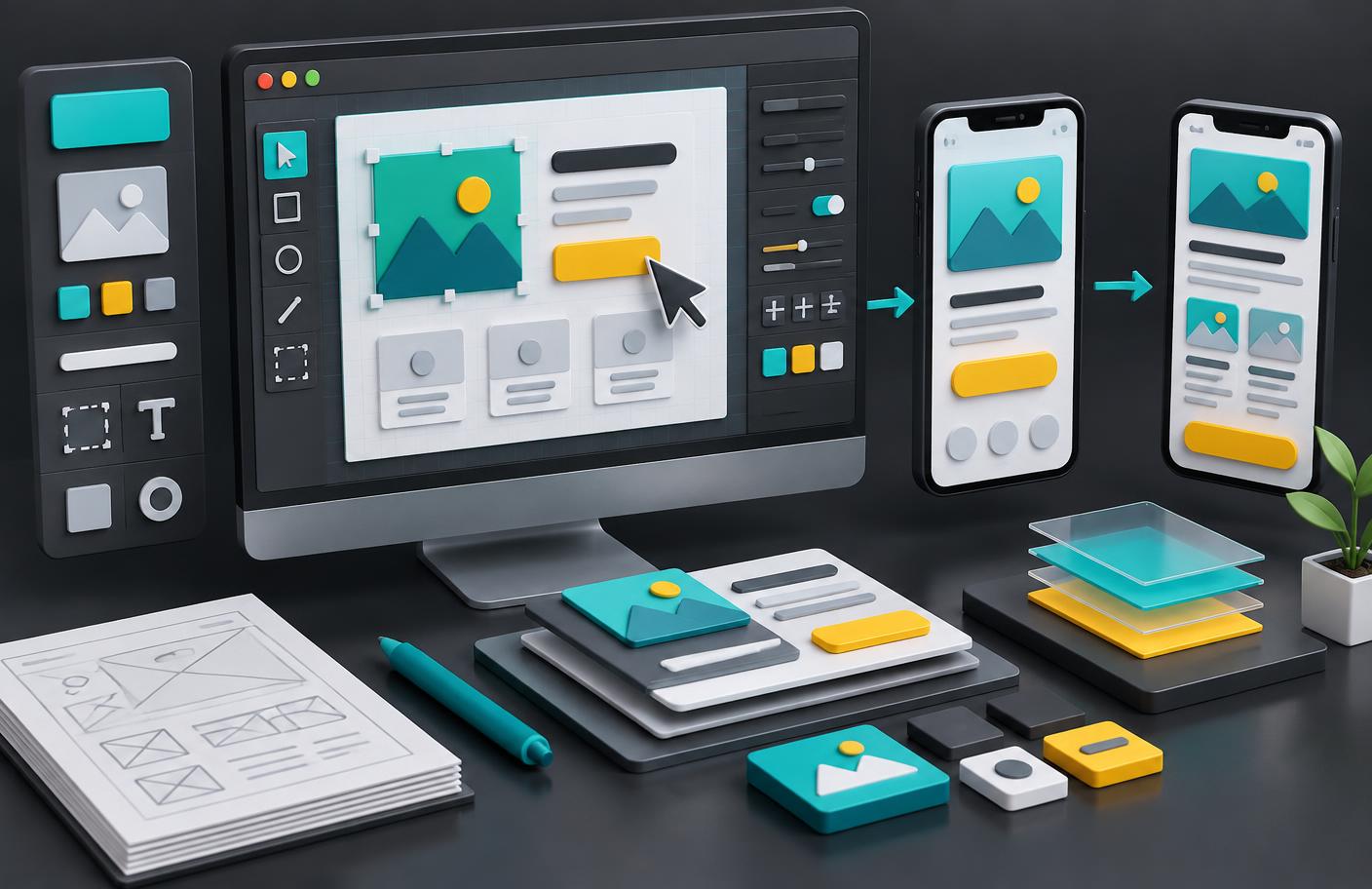
4. Relume for AI Sitemaps and Website Wireframing
- Best fit
- Agencies and website teams planning content-heavy marketing sites.
- Check first
- Its marketing-site focus is not a substitute for modeling complex application behavior.
Relume connects a website brief with sitemap planning, wireframes, and a component-based site workflow. Its official page describes exports into Figma, Webflow, and React, alongside its publishing option. Rather than asking a model to invent every layout from scratch, Relume emphasizes a maintained component library. This makes it especially relevant to AI website wireframing and information architecture.
For a professional-services website, start with the visitor's questions: what you offer, who it is for, what evidence supports it, and how to make contact. Review the generated sitemap before approving individual screens. Delete redundant pages, rename unclear categories, and ensure service pages have distinct purposes. Generating a large site quickly is not useful if its navigation makes visitors work harder.
The handoff deserves equal attention. Check whether the exported components, variables, and layouts match the destination workflow, and whether content can be maintained by the people responsible after launch. Relume's strengths are closely aligned with marketing websites; account permissions, complex transactional logic, and specialist dashboard interactions still need explicit product design. Evaluate those requirements independently rather than assuming a polished website structure can solve every application problem.
Official Relume product details5. Framer AI for Responsive Website Design and Motion
- Best fit
- Designers building and refining public-facing websites with visual control.
- Check first
- Website generation does not remove the need for manual accessibility and real-device checks.
Framer's AI website builder creates editable pages, sections, copy, and visuals from a request. Its official overview describes refining layouts, typography, components, breakpoints, and effects on the canvas. It also presents AI-assisted CMS work and code components. For UX designers working on websites, that combination brings exploration closer to the environment where the final experience is published.
A useful workflow is to generate the first structure for a product website, then improve the navigation, content order, and main conversion path manually. Test the smallest layout early: a visually strong desktop section may fail when headings wrap or controls compete for space. Framer's visual editing remains important because you need control over details that a broad prompt cannot fully specify.
Motion should explain relationships, acknowledge actions, or preserve context—not distract from reading. Review reduced-motion behavior, loading performance, focus order, contrast, and meaningful image alternatives. Although the product advertises AI-assisted site reviews, those checks are not equivalent to independent accessibility verification. Choose Framer when the deliverable is a maintainable website; assess custom application requirements separately before committing to the same workflow for a complex software product.
Official Framer product details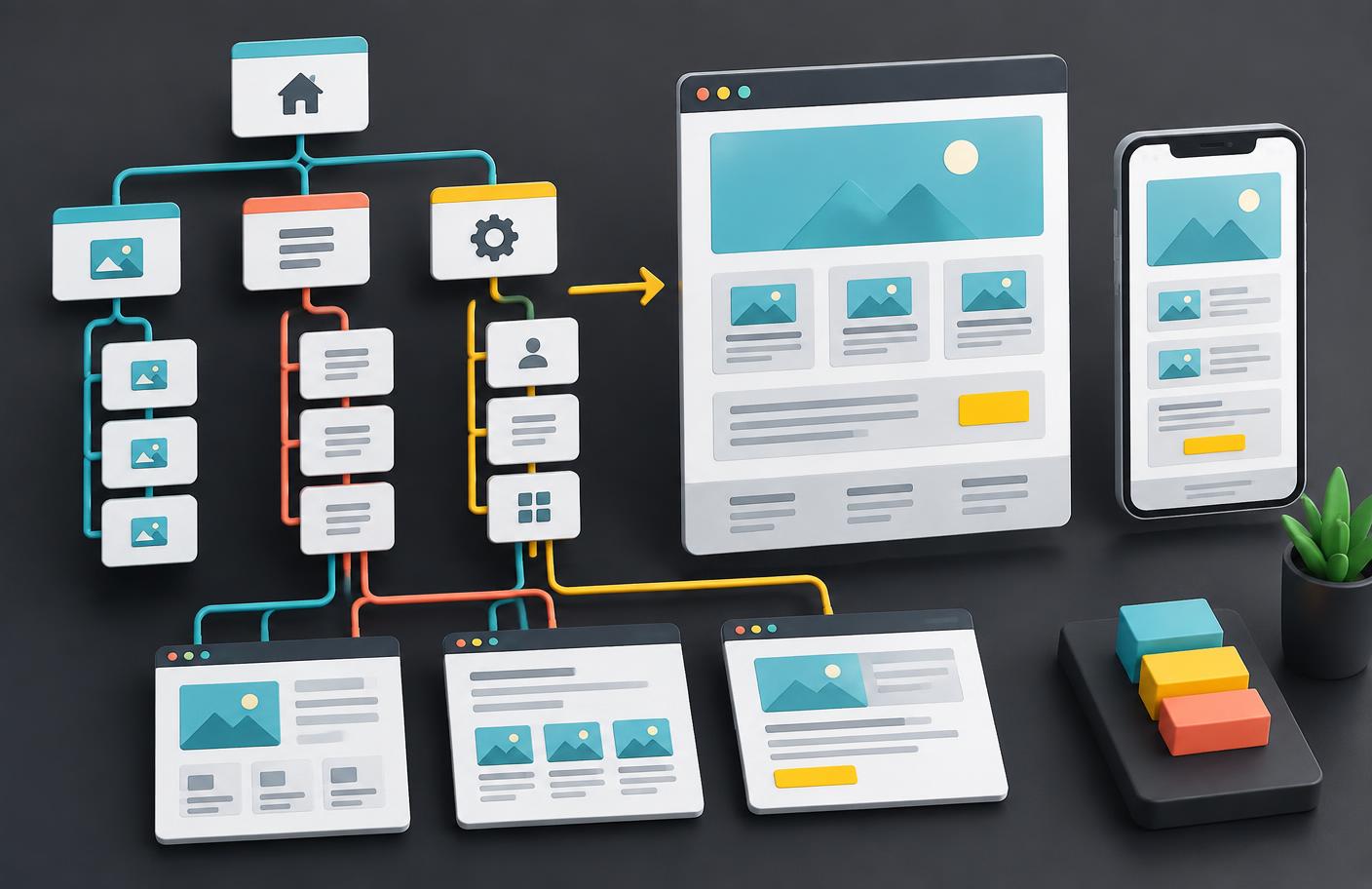
6. Maze AI for UX Research and Usability Testing
- Best fit
- Research and product teams validating designs with real participant evidence.
- Check first
- Recruitment quality, consent, study design, and human interpretation remain essential.
Maze belongs on this list because UX is more than generating screens. Its AI offering includes a study builder, suggestions for leading or biased questions, dynamic follow-ups, analysis of open-ended responses, and interview transcription and summaries. The official page also describes an AI moderator and enterprise research integrations. Availability differs by capability, so verify what your organization can actually use.
For a checkout redesign, define the research question before choosing the study format. Can participants identify delivery costs and recover from a payment error? Use realistic tasks and recruit people who resemble the intended audience. Let AI help draft or organize the study, but review every instruction for bias. A beautifully written question can still steer participants toward the answer the team wants.
After collection, trace AI-generated themes back to original responses and recordings. Preserve contradictory evidence and distinguish an observed usability problem from a participant's general preference. Do not present synthetic personas or model-generated answers as customer research. Maze's role is to help teams work with collected evidence; the decision about severity, confidence, and what to change still belongs to researchers and product stakeholders.
Official Maze product details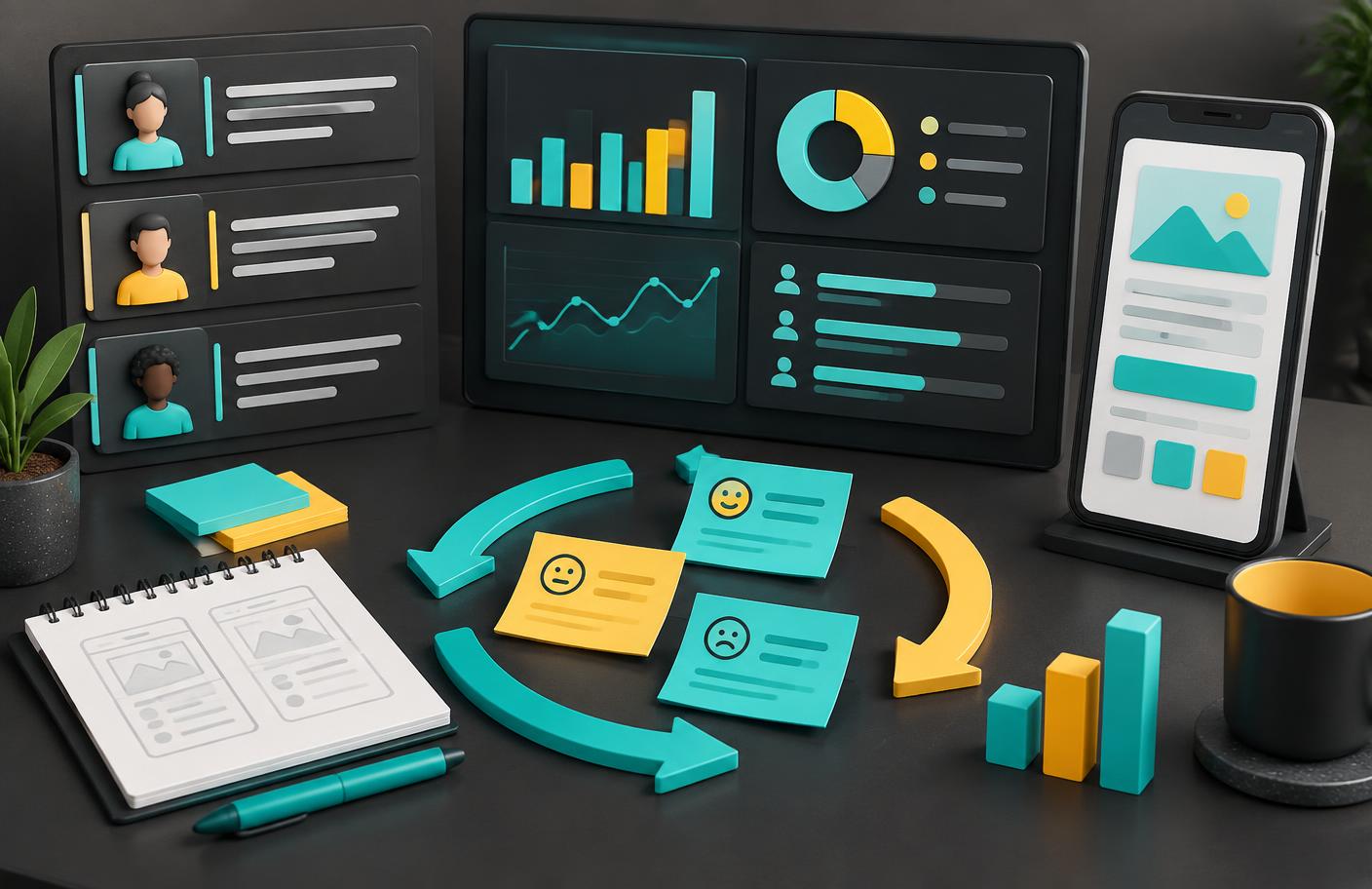
A Practical AI-Assisted UX Design Workflow
Start with an important journey rather than a complete redesign. Define the user, their goal, the business outcome, and the constraints. For an onboarding flow, that might mean helping an invited teammate join the correct workspace without misunderstanding their access level. A precise brief makes AI-generated alternatives easier to compare.
- Frame the problem: Use interviews, support evidence, and analytics to identify friction. Do not ask a model to invent customer needs.
- Explore the structure: Generate alternatives with Uizard, UX Pilot, or Figma AI. Use Relume when the main challenge is a website's page hierarchy.
- Refine the design: Add realistic content, component rules, error recovery, loading behavior, and permission states. Inspect mobile layouts and accessibility before polishing motion.
- Validate the journey: Use an appropriate study, potentially supported by Maze, to observe real participants. Compare findings with the original research question.
- Deliver and measure: Review the implementation with engineering. For websites, Framer may support publishing; for applications, confirm the separate delivery requirements. Track outcomes after release.
How to Evaluate Cost, Privacy, and Handoff
A low subscription price does not necessarily mean a low project cost. Include generation credits, extra seats, export restrictions, and the time needed to clean up the output. Run the same representative task through your shortlist and record what survives review. Measure useful progress, not the number of screens generated.
Ask where prompts, uploaded designs, and participant data are stored; whether they are used for training; and what control your organization has over retention and access. Verify those answers in current policies or contractual terms. For sensitive projects, involve the person responsible for security before using external AI services.
Finally, inspect the handoff. Can a colleague edit the artifact without you? Do components have understandable names? Are responsive behavior, keyboard focus, validation, and recovery states documented? The answer determines whether an AI design assistant is improving your workflow or merely moving unfinished work to someone else.
Frequently Asked Questions
Which AI tool is best for UX design?
There is no single best tool for every task. Figma AI fits collaborative product design, Uizard and UX Pilot support early concepts, Relume focuses on website structure, Framer helps deliver websites, and Maze supports research and validation.
Can AI tools replace UX designers?
They can accelerate drafting and repetitive work, but they do not replace accountable research, accessibility judgment, product strategy, or decisions about competing user needs. A generated interface is a starting point, not evidence of usability.
Are free AI UX design tools enough for a project?
A trial or free plan can help evaluate a representative task. Before delivery, check generation allowances, collaboration, exports, privacy controls, and commercial terms. Plan availability and limits change, so confirm them with the provider.
How should teams handle confidential UX research?
Use approved tools, obtain participant consent, remove unnecessary identifiers, and check retention, training, access, and deletion policies. Avoid uploading sensitive transcripts or proprietary screens until your organization has reviewed the data handling.
Choose the Tool That Improves the Next Decision
Figma AI, Uizard, UX Pilot, Relume, Framer, and Maze cover different parts of the UX design process. Their value comes from helping you explore, communicate, deliver, or validate more effectively. Start with the task your team needs to complete, keep human review explicit, and retain the evidence behind every important decision. A faster draft is useful only when it leads to a clearer, more reliable experience.

About the Author
Muhammad Dawood Khan
Muhammad Dawood Khan is an SEO Expert and technology content writer focused on AI, software development, emerging technologies, and practical digital business insights. He writes research-driven content designed to make complex technology topics easier to understand.
View LinkedIn Profile